Features

PricingAlternativesArticlesAffiliates
Language

Content Creation Guide for Musicians

Content Creation Guide for Musicians

This content creation guide for musicians tells you what to post, when, and how often. Every idea comes from the song you're releasing. You can make all of it with Escalium's video tools.

  • 6 post ideas from one song
  • A week you can keep up
  • Free plan, $0 a month
Lyric video · 9:16Lyrics synced word by word

What to post, from the first teaser to months later

Each kind of post works best at a different moment of the release. Follow this order and you'll always know what comes next. You don't have to make all of them.

The hook as a lyric video2 to 3 weeks before release
Choosing the part of the song in the Escalium Video Editor

The hook as a lyric video

Take the line people will remember and put the words on screen. End the video with your pre-save link. It's the easiest post to make, so start here.

  • In the Video Editor, upload the song and pick the 15 to 30 seconds of the hook
  • Escalium writes the lyrics and syncs them for you. Fix any word before you export
  • Make two or three versions in different styles and see which one people watch
The song is outRelease day
Picking a lyric style and colours in the Escalium Video Editor

The song is out

Post a lyric video of the chorus and say in the caption that the song is out. Post the same video on TikTok, Instagram Reels and YouTube Shorts.

You playing the songFirst week
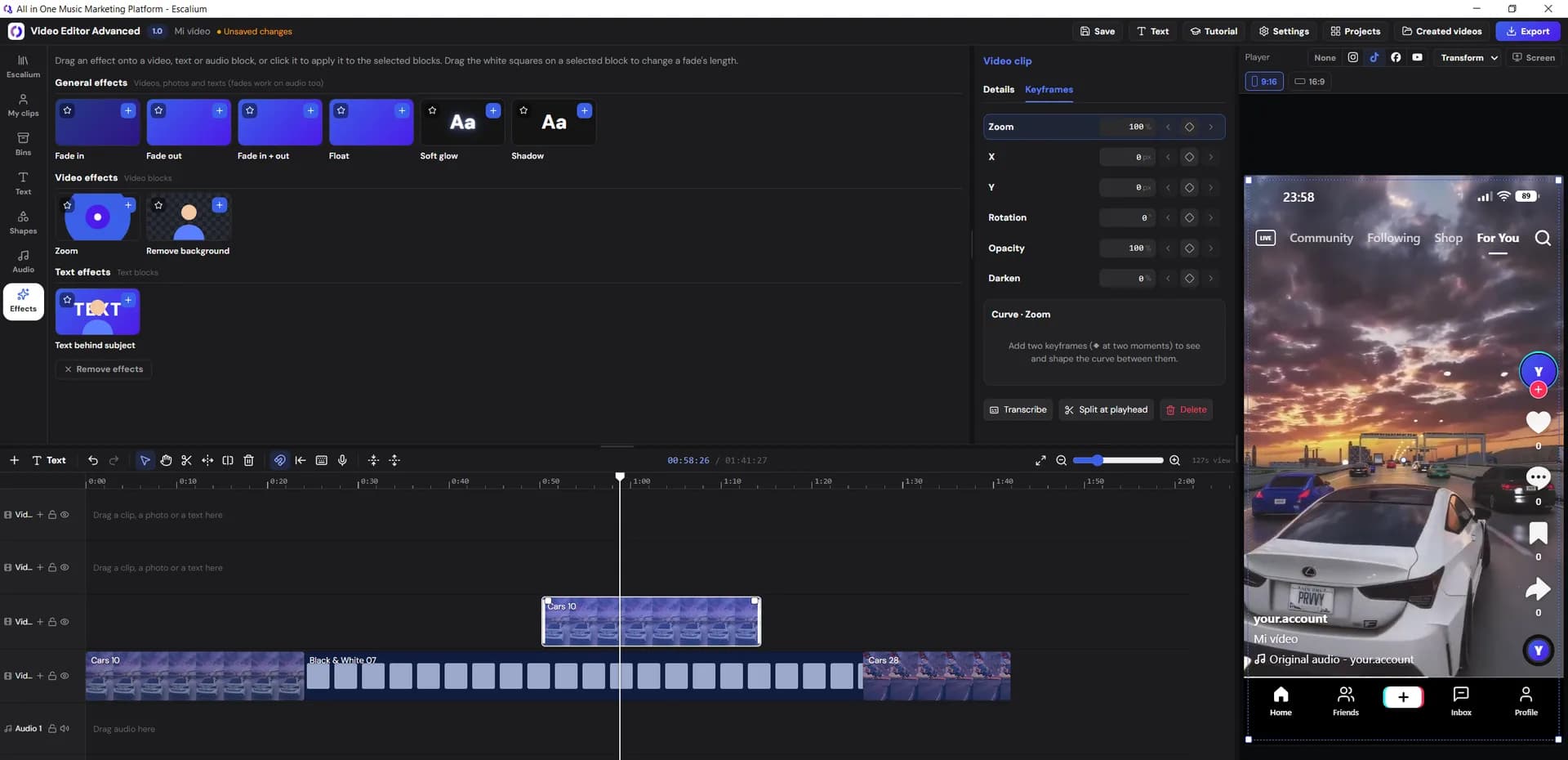
A vertical video shown inside the TikTok layout in the Escalium editor

You playing the song

Film 15 to 30 seconds of you singing or playing the hook. Your room, a rehearsal or a gig is fine. People want to see the person behind the song.

The story behind the songSecond week
The Escalium Advanced Video Editor with clips on the timeline

The story behind the song

Talk to the camera for half a minute: what the song is about, or where you wrote it. Add subtitles, because many people watch with the sound off.

Your demo next to the final versionThird week
The Escalium Clips library in the editor, with clips sorted by theme

Your demo next to the final version

Put your first voice-memo demo next to the finished track. Cut to the final version when the chorus starts. Fans like to hear how a song grew.

Short clips from a long videoAfter the first month

Short clips from a long video

A livestream, an interview or a studio vlog holds many short clips. Long to Short cuts it into vertical clips with captions and puts the best ones first.

A week of posts you can keep up

Three to five short videos a week is enough. Posting a little every week does more than posting a lot once and then stopping. Stay on the same song for several weeks: each new video is another chance for someone to find it. Here is an example week.

  • Monday

    Lyric video

    The hook, in your easiest-to-read style.

  • Tuesday

    No new post

    Answer comments and messages.

  • Wednesday

    You playing

    The same part of the song, filmed on your phone.

  • Thursday

    Lyric video

    Another line, in a different style.

  • Friday

    The story

    What the song is about, with subtitles.

  • Saturday

    Short clip

    A clip from a livestream or interview.

  • Sunday

    No new post

    Look at your link's clicks and plan next week.

Upload each video to TikTok, Instagram and YouTube Shorts yourself. It's the same file, so one video gives you three chances to be seen.

Make a week of posts in one afternoon

Making a new video every day is tiring, and it's easy to give up. Making all of them once a week, in one sitting, is easier to keep. Do it in this order.

  • Choose the moments

    Pick one song for the week. Write down three or four moments: the hook, a strong line, the beat drop and the story you'll tell.

  • Make the lyric videos first

    Upload the song to the Video Editor. Escalium writes the lyrics and syncs them word by word. Pick a part, a style and a background, and export. Then do the next line.

  • Film your own clips

    Film the performance and the story on your phone, one after the other. Send the files to your computer with Transfer or with the QR code.

  • Edit and add subtitles

    Put the clips on the Advanced Video Editor timeline, trim them and add subtitles. Turn on the layout of the app you'll post on, so its buttons don't cover anything.

  • Export and name each file

    Export every video and put the day you'll post it in the file name. On Monday you only have to upload.

  • Use one link everywhere

    Put the song's smart link in your bio and in every caption. Then you can see how many people clicked through to listen.

The lyrics step of the Escalium Video Editor: the lyrics are written by AI and you can fix any line

More posts from what you've already made

You don't need to film something new every time. Your phone, your old videos and your songs already hold weeks of posts. Here is where to look.

Open the video tools
  • A livestream or an interview

    Long to Short turns it into short vertical clips with captions, with the best clips first.

  • Rehearsal and studio videos

    Cut the best 20 seconds and add one line of text that says what's happening.

  • Every line of the song

    Each line, in each lyric style, is a new lyric video. One song gives you many.

  • Any recording where you talk

    The Transcribe tool turns audio into text in 99 languages. Use the text for captions or for a written post.

What to post when you have no new song

You don't have to go quiet until the next single. These posts keep people around, and you can make them with the songs you already have.

  • An older song in a new style

    Pick a song people already like and make a lyric video in a style you haven't used before.

  • A live or acoustic version

    Film yourself playing an older song in a different way. Add the lyrics on screen or subtitles.

  • A piece of the next song

    A few seconds of a demo, a beat or a line you're writing. Ask people what they think in the caption.

  • An answer to a comment

    Pick a question from your comments and answer it on camera, with subtitles.

Questions about content creation for musicians

  • Three to five short videos a week is a good pace for most artists. What matters is doing it every week. A little every week does more than a lot one week and nothing the next.

  • Lyric videos of the hook, you playing the song, the story behind it, your demo next to the final version, and short clips from longer videos. All of them can come from the song you're releasing.

  • As long as people still play it. A song often needs several weeks before people find it. Keep making new videos of the same song for at least a month after release.

  • No. Your phone is enough for the clips of you playing. Lyric videos need no filming at all: Escalium writes the lyrics, syncs them and makes the video in the style you choose.

  • No. You download the videos and post them from your own accounts. Escalium doesn't post to social networks.

  • Put the song's smart link in your bio. Its stats show how many people visited, which streaming button they clicked and where they came from. Add a UTM tag (a short label at the end of the link) for each app to see which one sent them.

  • Yes. The free plan is $0 a month: 5 lyric videos a month using up to 30 seconds of each song, the Advanced Video Editor with 1080p exports, Long to Short for 2 long videos a week and 1 smart link.

Make next week's posts this afternoon

Upload your song, make the lyric videos, edit your own clips and export them. The free plan is enough for your first week of posts.

  • Lyrics written and synced for you
  • Every format from one project
  • Free plan, $0 a month
Make your first video free